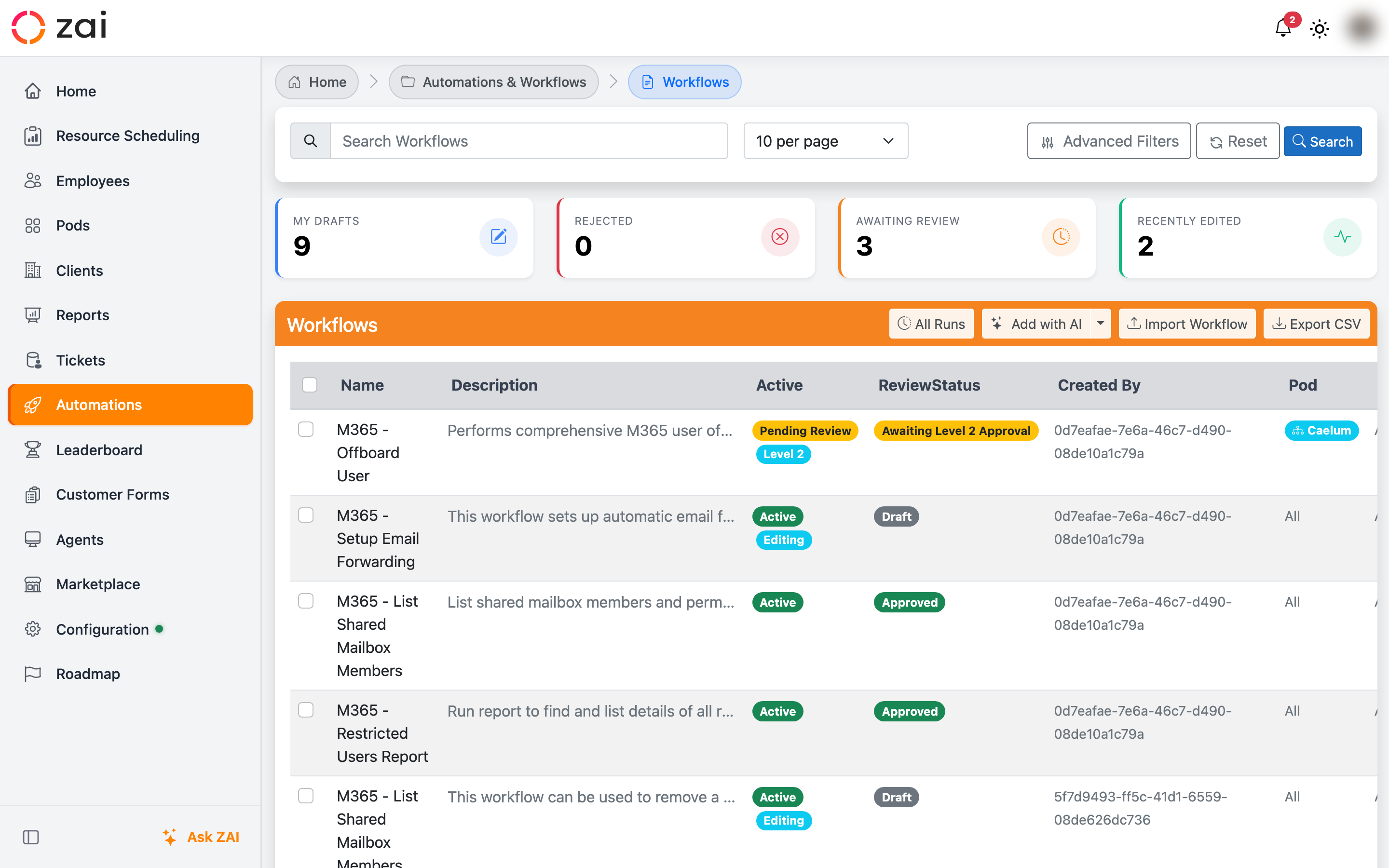
Workflows
Workflows turn multi-step tasks into a single chat command. You type your request, ZAI shows you what's about to happen, you click Approve & Run, and each step runs automatically with live status.
A real example
A technician needs to reset a user's password.
Type the request
In the ZAI Pod chat: Reset password for jane@company.com.
Review the approval card
ZAI shows the workflow name, the steps it will run, and any parameters filled in from the ticket context.
Click Approve & Run
Each step runs in order with live status. The technician sees the new password as soon as the workflow finishes.
The whole thing takes about thirty seconds. Doing the same job by hand in the M365 admin centre takes three or four minutes and is easy to get wrong.
Why we use workflows
- Faster than clicking through admin portals.
- Consistent — every run does the same steps in the same order.
- Auditable — every run is logged with who approved it and what changed.
- Approvable — sensitive actions show a card the technician must approve before anything happens.
Two ways to interact with workflows
You're either running workflows (most users, most of the time) or building them (admins and integrators). The docs are split that way too.
-
Running a workflow
For technicians. How to trigger a workflow from the ZAI Pod, what the approval card means, and how to read live status.
-
Common workflows
The workflows your team will use day-to-day — onboarding, offboarding, password resets, license changes, mailbox conversions.
-
Creating a workflow
For admins. Building a new workflow from scratch using the wizard, picking actions, wiring parameters.
-
Workflow Designer
The visual canvas where workflow steps and connections live. Reference for everything you can do on the canvas.
-
Review & approval
Workflow changes need approval before going live. How to review a submitted workflow and approve or reject it.
-
Workflow history
Every workflow run is logged. How to find a past run, see what happened, and re-run if needed.